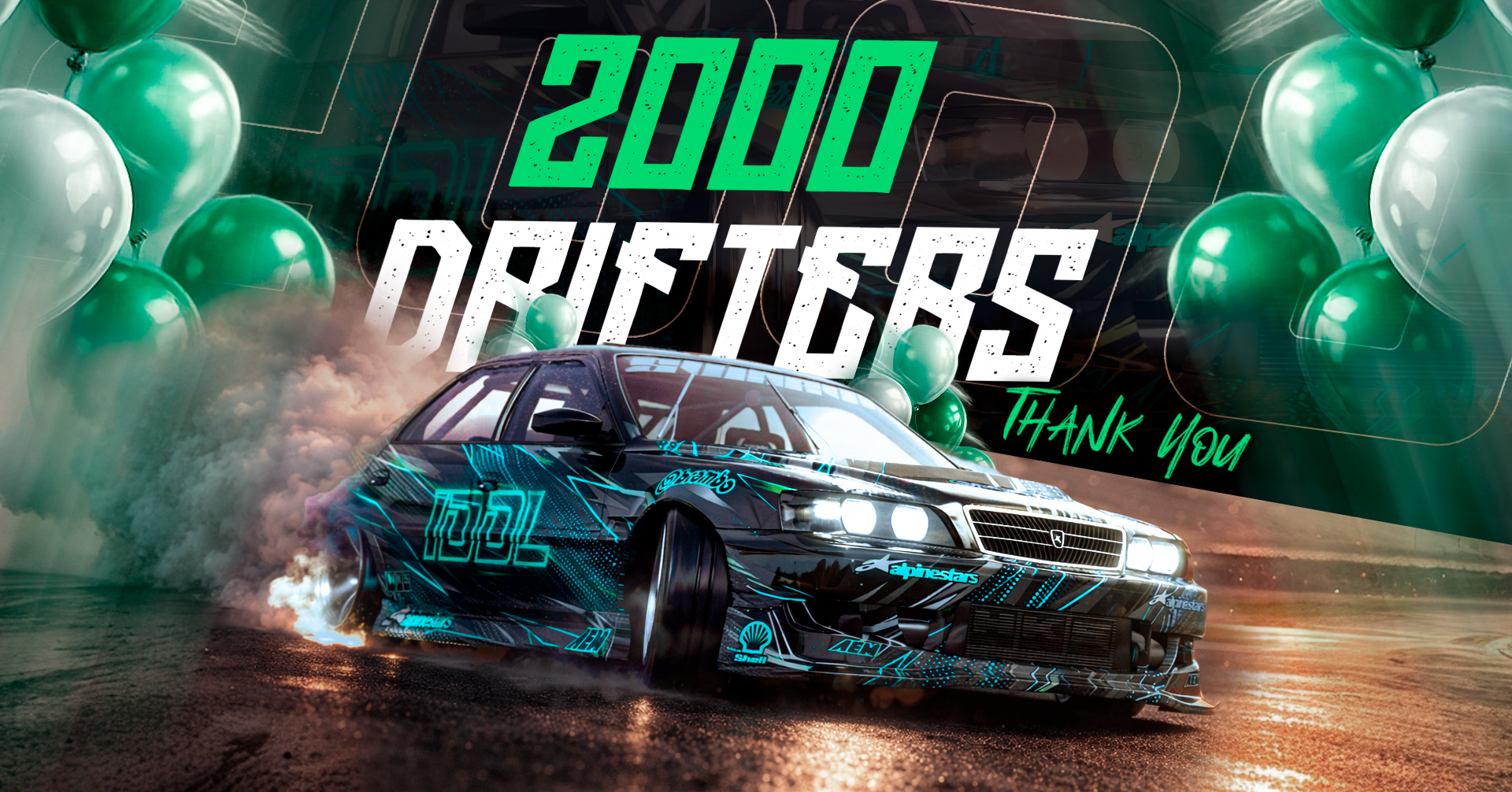
The ultimate Assetto Corsa drift server is officially open to everyone. Real-time car customization, private lobbies, 9 maps, neon underglow, drift scoring, crew battles, and in-game music — all synced for every player. Jump in now.
Most AC drift servers feel the same — same default setup, same lack of features, same broken mods. We started IDDL because we wanted a server that feels like a complete product, not a lobby with a car list.
Every feature is built from scratch, tested in real sessions, and designed to work together. No half-measures.
Part swaps, neon colors, crew tags, private lobbies, scores — all visible to every player in real-time. What you do, everyone sees. No client-side-only gimmicks.
We don't just tweak server settings. We write custom Lua apps, C# plugins, and full UI systems from scratch. Every feature is original code — from private lobbies to drift telemetry.
We don't flood the list with 200 random cars. We pick a few platforms and give you 1000+ ways to customize each one. Swap any part, any mesh — with automatic file versioning and cache busting.
We push updates regularly. New parts, new effects, new systems. The server you join today will be even better next week.
Car Part Swapper, server infrastructure, basic UI, synced customization across players.
Neon underglow, drift scoring, leaderboard, crew system, music player, time of day control.
Bug fixes, UI redesign, performance optimization, beta testing with the community.
Open to everyone. Full feature set, stable infrastructure, 9 maps, private lobbies, admin tools, cross-bucket chat.
Livery editor, economy system, tandem scoring, more cars, community events & tournaments.
Join the IDDL community, customize your ride, and drift with the best. Free, live, and always evolving.
14 strategically placed LED lights around your car. Choose preset colors, dial in custom RGB, adjust brightness, and pick from 8 animated effects.
The core of IDDL. Browse a full catalog of parts, pick a mod, and it's applied instantly — visible to all players on the server. Automatic file versioning ensures everyone always has the latest assets.
Full drift telemetry — angle detection, speed tracking, combo multipliers, tandem bonuses, and wall penalties. Clean HUD shows everything without clutter.
Your scores persist between sessions. See your global rank, best drift score, total points, drift count, and playtime — with Steam avatar integration. Sort by best drift, total score, drift count, best combo, play time, or average score.
Full crew management — custom name, 2-6 character tag, and color. Invite players, promote officers, kick members, and track crew stats. Crews persist across sessions with aggregated team statistics.
Search music, pick a track, and it plays right in your game. Create playlists, skip tracks, adjust volume — no extra software needed.
Set your own time — dawn, noon, golden hour, midnight. Other players see their own setting. Pick presets or use the precision slider.
9 distinct maps to explore — each in its own isolated lobby. Teleport between them instantly, see player counts per map, and preview images before you warp. Automatic lobby assignment based on position.
Create your own private room with a password, custom name, and player limit. Share the invite code with friends and drift in peace — fully isolated from public lobbies.
Chat messages relay across all maps — talk to players on any map without being in the same lobby. 200-message buffer with avatars and timestamps.
Full moderation suite — kick, temporary or permanent ban, mute with expiry timer, and server-wide broadcast. All actions logged with timestamps.
One-click Discord link from in-game. Your leaderboard rank syncs to Discord roles automatically.
| # | Player | Total Score | Best Drift | Drifts | Best Combo | Play Time |
|---|---|---|---|---|---|---|
| Loading leaderboard... | ||||||
Download Content Manager and install CSP (Custom Shaders Patch) v0.1.80 or later.
Install the DCGP Nissan S15 pack. Download links available on our Discord.
Find IDDL in the server browser or join via Discord. Everything else loads automatically.
From the very beginning, IDDL was built on one principle — everything should be accessible to everyone. We never locked content behind a paywall. No paid cars, no VIP-only parts, no premium features. Every player who joins gets the full experience, period.
That's exactly why we chose the donation route. We wanted to give the community a way to support us if they want to — but nobody has to. We don't expect anything from anyone. The fact that you're here, playing on our server, is already more than enough.
All cars, parts, and features are free for everyone
We don't expect you to donate — just enjoy the ride
Built by drifters, for drifters — your fun is our priority
All donations are voluntary and non-refundable. Every contribution is final. By donating you acknowledge and accept this policy. We appreciate your understanding.
Everything you need to get the best experience on IDDL. Pick a topic below.
A complete guide to configuring your VR headset for the best Assetto Corsa experience on IDDL servers.
This guide was made for the specs listed above. Your settings may vary. When streaming, recording, or playing online — turn smoke OFF for a huge FPS boost. Solo sessions can handle max smoke.
Before starting, make sure you have the following installed:
1.3x resolution rendering is the perfect balance for sharpness and clarity without sacrificing too much performance.
Open ODT AFTER you have arrived at the VR PC Link space (white room with grid floor). Open it in Administrator mode or it will not work properly. Monitor "Visible HUD" > Performance — you want a solid 85-90 FPS with 30%+ headroom for streaming.
Program Files\Meta Horizon\Support\oculus-diagnostics\OculusDebugTool.exe
Click "+" to open dropdown. Enter 0.8 in both Horizontal and Vertical fields.
This renders a smaller image reducing GPU load. Also gets rid of corner effects in stream mirrors.
Don't let it auto-generate a different FOV while you have manual settings.
This fluctuates GPU usage causing stutters and desync. It reduces image resolution when GPU dips — ruins clarity.
When GPU performance drops, it forces half frames and keeps it there. Turn this off.
Reduces pixels on image edges (where your peripherals are). Less pixels = less stress. Works well with Quest 3 lenses.
All ODT settings reset every time you open it — they do not save.
Most RTX 40 series can use H.265 but there are compatibility issues (violent stuttering in VR Link space). H.264 is more stable and streaming platforms don't support H.265.
Wireless: 100-500 Mbps — keep latency at or below 90ms. Use a dedicated router for your headset.
Wired (USB-C): 500-900 Mbps — sweet spot at 800 Mbps. Need USB transfer speed of at least 2GB. Noticeable clarity bump from 500 to 750-800 without being taxing.
"Quality" smooths everything making flat surfaces look soft and blurry. Normal keeps edges sharp. Personal preference — affects performance around 2-5%.
Some menus may look different depending on your CSP version. This guide is based on version 0.3.0-preview342.
Use the latest RECOMMENDED version. Untested/buggy versions can cause shiny roads, inoperable menus, and backend issues. Downgrade if problems occur.
Optimizes textures for Weather FX, Lighting FX, Particles FX. Alleviates contradictions between PP filters and server shaders.
Works beautifully for solo/career. If you don't see rain in-game it's most likely a Weather FX issue — check Pure for updates.
FXAA is one of the BIGGEST killers of VR FPS. Disabling it gives smoother frame counts. AMD users can try "FidelityFX CAS" for extra sharpness but with these settings you won't need it.
Does not work in VR. No visual difference and no performance loss or gain either.
Without this, AC uses older shadows that conflict with new textures.
Overrides AC Video smoke settings. Turn off and set quantity limit to 10%, on-screen size limit to 50% for minimal smoke without FPS impact.
Make sure Pure is downloaded. Replace YEBIS with lightweight alternative for better VR performance.
These settings keep the IDDL menu within frame and not "stuck" in the driver seat while making customizations.
Reduces mirror resolution when nothing is behind you to save GPU.
Only affects you during rain, snow, and dirt. Keep it on for immersion.
This affects the size of your in-game HUD window, not your actual VR vision. Recommended: 2560x1440. Smaller resolution = smaller HUD window edges.
You're all set! With these settings you should get a solid 88-90 FPS experience. Join our Discord if you need help.
Tutorial written by SharkByker — thank you for sharing your VR knowledge with the community! 🖤